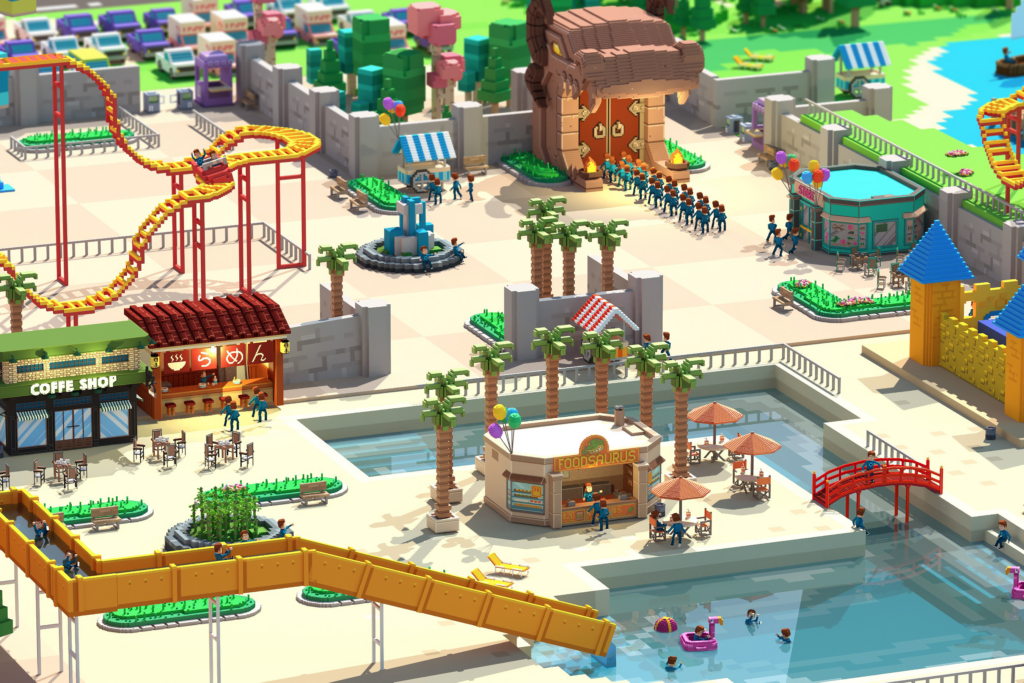
<p style="text-align: justify;">The Sandbox ( <a href="https://www.sandbox.game/en/">https://www.sandbox.game/en/</a> ) Game Maker allows anybody to make 3D games for free. No coding is necessary owing to accessible visual scripting tools to build stunning games in minutes. The first screen you will encounter after running the Game Maker is the Login Dialog.</p>
<p style="text-align: justify;">The users may either construct a new environment and terrain from scratch in the blank LAND or develop intriguing interactions and logic between objects and dioramas in the supplied basic LAND templates. The Five templates currently available in the Alpha edition are City Workspace, Lake Shores, Nature Workplace, The Block, and The Bazaar in a desert landscape.</p>
<p style="text-align: justify;">An introduction to Game Maker&#8217;s fundamental features and functionalities may be found in this Nature Workplace template.</p>
<p style="text-align: justify;">Assets provided by the users are probably one of the essential aspects of the Sandbox. So how to put them to good use in the actual game? Pressing &#8216;L&#8217; when in Editor mode will load the library of essential assets developed by our creators, which may be employed in our current Game Maker. In addition to the user-created voxel graphics, the assets also feature snow and lava building pieces that may be utilised to construct unique environments.</p>
<p style="text-align: justify;">Pressing the &#8216;Add&#8217; button on the item in the library among multiple categories adds the chosen asset in one of the slots that can be seen below the screen. Click on the object and place it anywhere in the game! Simple and intuitive.</p>
<p style="text-align: justify;">&#8216;Relocate Asset&#8217; allows users to move an existing asset. To move an asset, click on one of the X, Y, and Z axes and drag back and forth, left and right. Users may also directly add asset coordinates for more exact placing.</p>
<p style="text-align: justify;">Using &#8216;Move Asset,&#8217; you may rotate the selected asset in any direction, all the way around. It would be an incredibly beneficial function when installing a switch on the uneven walls, street lamp leaning against wrecked building rubble, weeds growing on the cliff and so on.</p>
<p style="text-align: justify;">While in &#8216;Select Assets&#8217; mode, the user may select several assets at once by dragging exactly how numerous units are selected at once in real-time strategy games. This is very beneficial if the user wishes to remove or replicate multiple assets at once. Although it is not visible, a button named &#8216;Hierarchy&#8217; at the bottom left of the screen reveals the list of total assets currently available in the game. Selected assets are indicated darker in the Hierarchy list.</p>
<p style="text-align: justify;">Follow them for more info: <a href="https://twitter.com/thesandboxgame">https://twitter.com/thesandboxgame</a></p>

The Sandbox Game Tips