<p style="text-align: justify">Buying a smartphone makes life easier in many ways. Thanks operating systems, such as Android OS and iOS, which are the underlying structure of every smartphone, every user can now experience a whole new dimension in the smartphone use. The greatest advantage of OS-supported smartphones is the possibility of storing tons of data on both on their internal memories, as well as external memory devices, such as SD-cards. While this notion was also available on some older <i>dumb </i>phones, smartphones give us the option of managing our data through different applications. Basically, the whole system of smartphones is based on applications. Online app hubs, such as Google Store, provide thousands of applications of all kinds, which can make our everyday life much easier and help us fulfill out routines and duties in a smoother way. However, this is only a nice story and not a fairy tale. And in every story, there must be an anticlimax. The problem with data and apps on a smartphone arises when you have no more storage space on the phone itself, i.e. the internal memory. It is not a dead-end issue, however, and data are removed to external memory devices in a pretty simple way. Nevertheless, apps are not that easily-handled and you will need to learn some extra skills to succeed in moving apps onto an SD-card.</p>
<h2 style="text-align: justify"><b>Step-by-step Transfer of Data</b></h2>
<p style="text-align: justify">Usually visual and audio data are the first one to be removed to SD-cards, since they use more space and that way occupy the desperately needed memory of the phone internal memory. The easiest way of removing data from the internal memory of your smartphone to an SD-card is by tapping onto an app called File settings or File manager. By tapping onto it your will be able to access the file or folder you would like to remove. After you have tapped on it, you should be given an option to copy the given file or folder or the option &#8220;remove to SD-card&#8221;. However, if you do not have an app that allows you to access the data in the internal memory, you should get one to help you manage your data. In some phones, it is possible to mark directly the folders you want to remove. When you have moved the data to your SD-card, you can delete the copy of it in the internal memory.</p>
<h2 style="text-align: justify"><b>&#8220;Tap and remove&#8221; Tactics for Apps</b></h2>
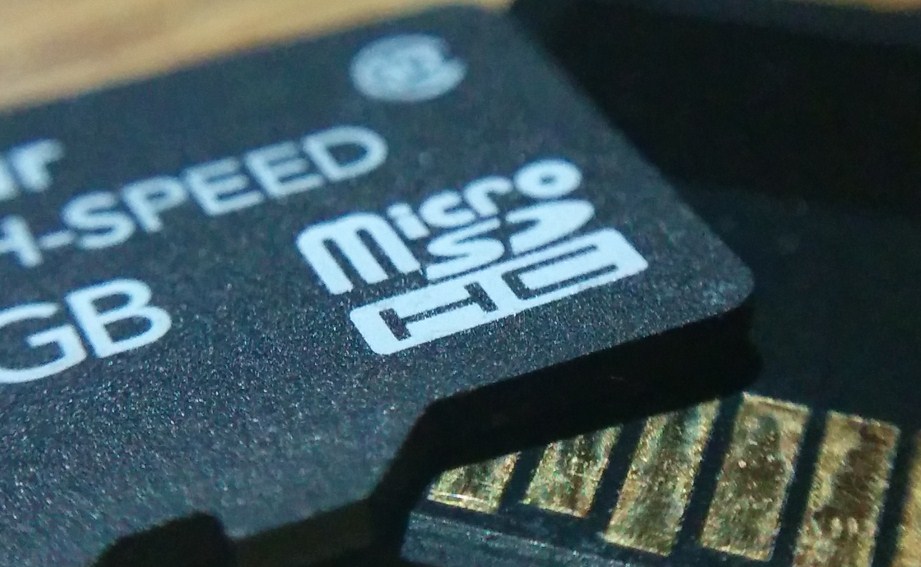
<p style="text-align: justify"><span style="font-size: 14px;line-height: 1.5em">A similar strategy should be tried with apps. You simply choose an option called App manager or something like that, tap onto the targeted app and there should be an option &#8220;remove to SD-card&#8221;. If such an option does not appear, it is most likely that your mobile phone or the OS version does not support such an action. It is important that you bear in mind that Android OS 4.0 to 4.2 did not allow such a movement of apps. This restrictive measure has been introduced by Google, as they want people to use more app-moving apps from their Google Play app store. So, you will have to get one of the apps for removing your own apps to an external memory device. Also, you have to know that some smartphones </span><span style="line-height: 1.5em">require a micro SD card</span><span style="font-size: 14px;line-height: 1.5em"> and not an SD card. They are available in each better equipped online computer store. The greatest advantage of micro SD card is that it takes less physical space, so it is more compatible with smartphones.</span></p>
<h2 style="text-align: justify"><b>App-removing Apps from the Outer Space</b></h2>
<p style="text-align: justify">If your mobile phone or its OS are not friendly towards app removing, then you should choose one of the following apps that will enable you to move your apps to a micro SD or an SD card.</p>
<p style="text-align: justify">Link2SD is an application that will be useful for people using smartphones with the Android 2.0 and newer versions. With this app-remover, you will be able to move to an SD device all the apps that are not protected directly by you. Even if some apps are not meant to be moved to an external memory card, this app offers the option of force move and leaves more room in your internal memory. It also offers many other features.</p>
<p style="text-align: justify">For various phones, such as Samsung, HTC or Asus and Android 4.2 and newer versions, you should go for the AppMgr III. This powerful app enables you to move apps to SD card or from the card into the internal memory. In addition to that, AppMgr III will let you freeze the apps you are not using at the moment, so as to reduce the CPU resources and let it operate in a smooth way.</p>
<p style="text-align: justify">Author’s bio: Dan Radak is VPS security and Hosting generaly specialist. Currently employed as a consultant in couple of Web Hosting companies. In his free time, he likes fishing or making homegrown beer. You can reach him on Twitter.</p>

Expand Internal Memory – Move Apps To SD