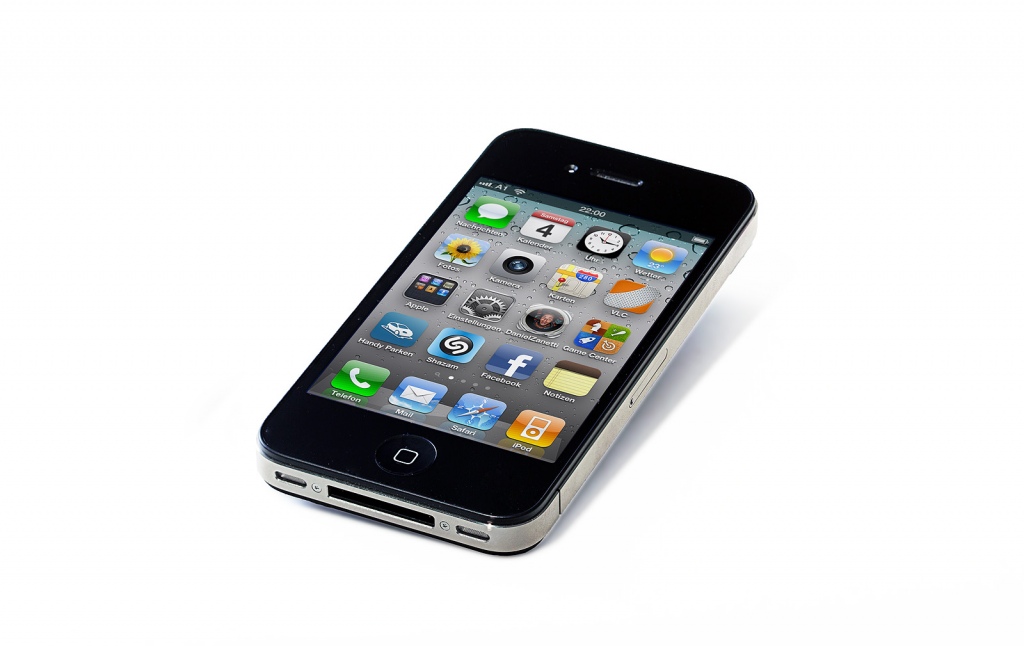
<p style="text-align: justify">Living in the information age comes with its advantages. One of those many advantages includes the ability to consistently have ready information and correlation between all devices that you own. In addition to the rise of technology use for productivity purposes, developers have battled for the best spots on the App Store platform to push their new applications.</p>
<p style="text-align: justify">Whether they are personal organization applications or well-known business applications, the landscape and choice selection for consumers can often become a confused rat race where no one knows where the finish line lies.</p>
<p style="text-align: justify">Luckily, I have complied a current list of the top five applications everyone should have on their smart phone and smart devices with they want to be more productive at the office.</p>
<h2 style="text-align: justify"><strong>The Top 5 and Why</strong></h2>
<h3 style="text-align: justify"><strong>Dropbox</strong></h3>
<p style="text-align: justify">This company has been around for a while now, which normally would suggest that it is outdated, but on the contrary, it is still one of the best applications for data storage and convenience. Microsoft, Apple, and Google have all come up with similar platforms through cloud services, which allows a business owner or basic consumer to upload videos, documents, and music to any device anywhere in the world. Dropbox was one of the first to do this and therefore, I believe, have made the service the most universal.</p>
<p style="text-align: justify">Whether you have an iPad, Samsung, or any other device on the market, you are easily able to download Dropbox from the Internet or through the app store and immediately sync all of your devices, allowing sharing of certain data, as well as privacy settings. All in all, I have found it as the best application for sharing and storing information across multiple devices. The first GB is free and addition data storage comes at a very reasonable price.</p>
<h3 style="text-align: justify"><strong>Swizzle</strong></h3>
<p style="text-align: justify">One of the most time-consuming activities Americans endure every day is the mountain of emails pouring into their inbox. The truth of these emails is that majority of them are actually junk – newsletters, subscription requests, weekly notifications from other email blast services. What if there was a way to eliminate all of the junk in our email so that we could concentrate on what is important in our daily lives?</p>
<p style="text-align: justify">Well, now we can with the help of Swizzle. This web-based application scans your inbox and weeds out the emails you don’t want by aggregating the emails you do need and showing you a list of all known newsletters, promotions, and offers that are sent to you every day. By consolidating all of these emails into one spot, you are able to delete all of them or chose which ones you want to eliminate and which ones you want to keep. The bundle feature is the best feature in the application because it allows you to store in a folder known as daily/weekly Swizzle digest.</p>
<h3 style="text-align: justify"><strong>Any.do</strong></h3>
<p style="text-align: justify">This application and development team have been around for years, but recently they have made steps towards a greater horizon. This application is the closest thing you will get to streamline your “To-Do List” and is the best in actual task management needs. For example, you can assign your tasks, set time frames for completion, and location reminders when you reach an area where the task can actually be completed. If you need to get to the grocery store for your small restaurant inventory before Friday, the application will alert you when you are near a grocery store in your area to help remind you when you are actually able to complete the task.</p>
<p style="text-align: justify">Truly, this application provides an innovative platform that will continue to build an ecosystem like that of Evernote, allowing people to store information and notes, as well as share them across multiple devices. It also has a built-in calendar platform for scheduled future tasks and events.</p>
<h2><strong>Any Online Fax App</strong></h2>
<p style="text-align: justify">I have found that many of the online faxing applications do similar functions and all of them have considerably positive customer reviews, so I would recommend browsing the app store or android marketplace for any online faxing app that you can find because internet faxing is the way of the future in business correspondence. The app you choose will depend on your specific needs. Think about it, you’re waiting in the airport for your delayed flight and are able to pull out your tablet or smart phone and electronically sign, approve, and send back all documents that need signed approval for submission. Even if the person whom you are sending them to does not have an online fax platform, they will receive them in the traditional fax system and you will be on your way without needing paper or a machine strapped to your body. Truly innovative for business practices.</p>
<h3 style="text-align: justify"><strong>CamCard</strong></h3>
<p style="text-align: justify">This is one of the best CRM applications that I have come across (I actually thought of this idea years ago). It really does link the old world with the new world, which is important when dealing with various clients and sectors of business. Some people do not use “new technology” in the way others do, particularly when it comes to CRM. Most people have business cards, especially small business owners and consultants. This application allows a person to take that pile of business cards and store them into their phone without losing the contact.</p>
<p style="text-align: justify">With CamCard, just snap a picture of the business card using the application’s platform and you have yourself a database of business associates and potential clients. Swapping business cards will always be a natural way of doing business because tapping phones for contact information (such as Bump) may seem impersonal to some – so just take to darn business card, scan it, and save yourself time inputting contact information into your phone.</p>
<p style="text-align: justify">This article was written by David Holly. Ever since upgrading to an iPhone, David has raved about the incredible capabilities of technology in his life, from keeping track of finances and getting tasks completed to simply finding the best sushi restaurant in town. He is always looking for the newest and best applications to keep his life simple and efficient. He also is a professional content creator for www.FindAFax.com. You can visit his Google+ to read more of his work.</p>

5 Apps For The Office You’ll Never Believe You Lived Without